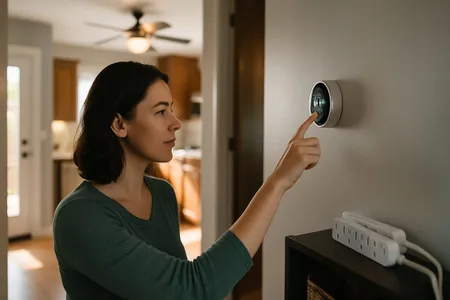
The temperature you set on your thermostat has a bigger impact on your energy bill than almost any other single factor in your home. According to the U.S. Department of Energy, you can save approximately 10 percent per year on heating and cooling by adjusting your thermostat by 7 to 10 degrees for 8 hours per day. But what are the best settings for each season, time of day, and situation?
This guide breaks down the DOE and ENERGY STAR recommended settings for every season and scenario, plus tips for maximizing savings with a programmable or smart thermostat.
What You Will Need
- Your existing thermostat (any type)
- Optional: Programmable or smart thermostat (professionally installed, parts run $110–$375, plus labor at $100–$150/hour — a basic DIY model costs less at retail; these prices may vary case by case)
Time estimate: 5 minutes to adjust settings Difficulty level: Beginner
Summer Thermostat Settings (Cooling Season)
The Department of Energy recommends the following settings during the cooling season:
| Situation | Recommended Temperature |
|---|---|
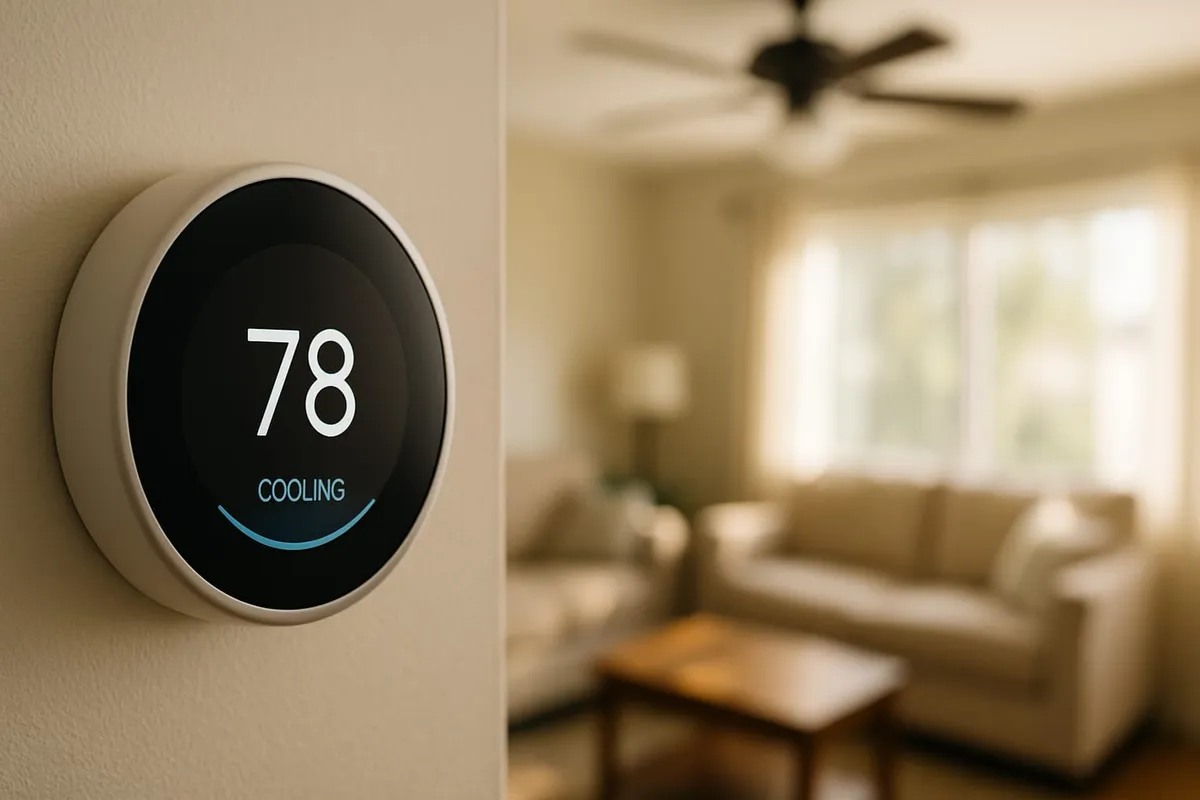
| Home and awake | 78 degrees F |
| Away from home | 85 degrees F |
| Sleeping | 82 degrees F |
Why 78 Degrees?
At 78 degrees, most people feel reasonably comfortable, and the AC runs significantly less than at lower settings. Every degree you lower the thermostat below 78 increases energy consumption by approximately 3 to 4 percent.
For example, setting the thermostat to 72 degrees instead of 78 can increase your cooling costs by 18 to 24 percent.
Making 78 Degrees More Comfortable
If 78 degrees feels too warm, use these strategies instead of lowering the thermostat:
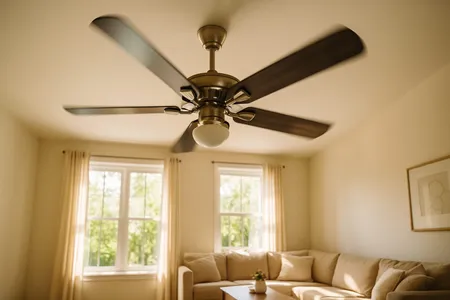
- Use ceiling fans. Fans create a wind chill effect that makes 78 degrees feel like 72 to 74 degrees. See our ceiling fan direction guide.
- Close blinds on south and west windows during the afternoon to block solar heat gain.
- Wear lightweight, breathable clothing at home.
- Use the “Auto” fan setting rather than “On” to reduce humidity, which makes a significant difference in perceived comfort.
- Ensure your AC is properly maintained. A well-maintained system dehumidifies more effectively, making the same temperature feel more comfortable.
Heat-wave note: the away/sleep setbacks above assume normal conditions. On 103°F+ days, a deep setback like 85°F can leave the system unable to recover quickly when you get home — see What Should I Set My Thermostat to in Texas Summer? for the heat-wave exception.
Setting Your Thermostat Higher When Away
Raising the thermostat to 85 degrees (or turning it off entirely for well-insulated homes) when you leave for 4 or more hours saves significant energy. A common myth is that it costs more energy to re-cool the house than to maintain a constant temperature. This is not true. Your AC saves energy every minute it is not running or running less, and the energy saved during the hours you are away far exceeds the brief extra energy needed to cool back down.
Winter Thermostat Settings (Heating Season)
The DOE recommends these settings during the heating season:
| Situation | Recommended Temperature |
|---|---|
| Home and awake | 68 degrees F |
| Away from home | 58–62 degrees F |
| Sleeping | 62–66 degrees F |
Why 68 Degrees?
At 68 degrees, most people are comfortable in typical indoor clothing (long sleeves, pants). Every degree above 68 increases heating costs by approximately 3 percent.
Setting the thermostat to 72 degrees instead of 68 can increase your heating bill by 12 percent or more.
Making 68 Degrees More Comfortable
- Dress in layers with warm socks and a sweater.
- Use blankets when sitting on the couch or in bed.
- Reverse your ceiling fans to clockwise on low speed to push warm air down from the ceiling.
- Use area rugs on hard floors, which feel cold underfoot.
- Let sunlight in during the day by opening south-facing curtains, and close all curtains at night for insulation.
- Use a space heater in occupied rooms only, allowing you to keep the thermostat lower for the rest of the house.
Nighttime Temperature Setback
The DOE specifically recommends lowering the thermostat when sleeping. Most people sleep better in cooler temperatures (the National Sleep Foundation recommends 60 to 67 degrees for optimal sleep). An 8-hour nighttime setback of 7 to 10 degrees saves the most energy with minimal impact on comfort.
Never Below 55 Degrees
Even if your home will be vacant, never set the thermostat below 55 degrees in winter. This minimum temperature prevents pipes from freezing. For added protection during extended absences, see our home winterization guide.
Spring and Fall Thermostat Settings (Transition Seasons)
During spring and fall, outdoor temperatures fluctuate widely, sometimes requiring heating in the morning and cooling in the afternoon.
| Situation | Recommended Approach |
|---|---|
| Mild days (60–75 degrees outside) | Turn off HVAC, open windows |
| Cool mornings, warm afternoons | Use AUTO mode to switch between heating and cooling |
| Temperature differential setting | Set 3–5 degrees between heat and cool setpoints in AUTO mode |
Use the “Auto” Mode
If your thermostat has an AUTO mode (not to be confused with the fan AUTO setting), it will automatically switch between heating and cooling as needed. Set the heating setpoint to 68 degrees and the cooling setpoint to 78 degrees. The system will only activate when the temperature falls outside this range, called the deadband.
Take Advantage of Free Cooling
On mild days, turn off the HVAC system entirely and open windows. Natural ventilation costs nothing and gives your system a break, extending its lifespan. Close windows before temperatures rise above your comfort level.
Special Situations
Thermostat Settings When on Vacation
| Season | Vacation Setting |
|---|---|
| Summer | 85 degrees F (keeps humidity in check and protects against extreme heat) |
| Winter | 55–60 degrees F (prevents pipe freezing) |
Do not turn off the system entirely during summer vacations in humid climates. Running the AC at a higher setting still controls humidity, preventing mold growth on furniture, clothing, and building materials.
Thermostat Settings with Pets
If you leave pets at home, adjust temperatures for their comfort:
- Dogs and cats: Most are comfortable at 68 to 78 degrees. Do not exceed 82 degrees in summer or go below 60 degrees in winter.
- Birds and small animals: These are more sensitive to temperature extremes. Maintain 65 to 80 degrees.
- Fish tanks: Room temperature affects water temperature. Keep the room reasonably stable.
Thermostat Settings for Heat Pumps
Heat pumps operate differently from furnaces. Avoid large temperature setbacks (more than 2 to 3 degrees) with heat pumps because the system may switch to auxiliary electric resistance heat to recover, which is much more expensive to run.
For heat pump systems:
- Use a 2 to 3 degree setback instead of 7 to 10 degrees
- A heat pump-compatible smart thermostat can optimize setbacks automatically
- Program gradual temperature changes rather than sudden shifts
Programmable and Smart Thermostat Advantages
Programmable Thermostats
A basic programmable thermostat lets you set different temperatures for different times and days. A typical energy-saving program:
Weekday Schedule:
- 6:00 AM: 68 degrees (wake up)
- 8:00 AM: 62 degrees (leave for work)
- 5:00 PM: 68 degrees (arrive home)
- 10:00 PM: 62 degrees (sleep)
Weekend Schedule:
- 7:00 AM: 68 degrees (wake up)
- 10:00 PM: 62 degrees (sleep)
Smart Thermostats
Smart thermostats go further by:
- Learning your schedule and adjusting automatically
- Detecting when you are home or away using phone location or motion sensors
- Allowing remote control from your phone
- Providing energy usage reports and savings tips
- Integrating with other smart home devices
ENERGY STAR estimates that a smart thermostat saves about $50 per year on average, though actual savings vary depending on habits and climate.
Use our thermostat savings calculator to estimate how much you could save by upgrading.
Safety Warnings
- Never set the thermostat below 55 degrees in winter to prevent pipes from freezing.
- Do not rely solely on space heaters as a primary heat source. They are a supplemental option and can be fire hazards if used improperly.
- Ensure your HVAC system is properly maintained before relying on it for extreme temperatures. An unmaintained system is more likely to fail when pushed to its limits.
When to Call a Professional
Adjusting your thermostat is simple, but call a professional if:
- Your thermostat is not accurately reading the room temperature (off by more than 3 degrees)
- The HVAC system does not respond to thermostat adjustments
- You want to upgrade to a smart thermostat and need wiring guidance
- Your home has inconsistent temperatures between rooms despite proper thermostat settings
- You need help optimizing a zoned HVAC system
If your thermostat is not responding, try a reset first. See our guide on how to reset any thermostat.
Frequently Asked Questions
Is it cheaper to keep the house at a constant temperature?
No. The DOE confirms that you save energy every minute your HVAC system is not running or running at reduced capacity. Setting the thermostat back when you are away or sleeping saves more than maintaining a constant temperature. The exception is heat pumps, which should use smaller setbacks.
What temperature is too hot for a house?
Indoor temperatures above 85 degrees can cause heat-related health issues, especially for elderly individuals, young children, and pets. High indoor temperatures also increase humidity, which promotes mold growth and can damage electronics and furniture.
Does closing vents in unused rooms save energy?
Generally no, and it can actually harm your HVAC system. Closing vents increases pressure in the ductwork, which can cause leaks, reduce efficiency, and strain the blower motor. If you want zone control, consider a zoned HVAC system with multiple thermostats.
How accurate are thermostats?
Most thermostats are accurate to within 1 to 2 degrees. If yours seems significantly off, try recalibrating it (some models have an offset setting) or test the temperature with a separate digital thermometer placed next to the thermostat. Location matters too; a thermostat in direct sunlight, near a heat source, or on an exterior wall may read inaccurately.
Next Steps
Ready to put these temperature recommendations to work? Start here:
- See the dollar impact — Enter your home details into our Energy Cost Calculator to find out exactly how much each degree adjustment saves on your monthly bill.
- Troubleshoot comfort issues — If your home does not reach the set temperature or has hot and cold spots, our HVAC Troubleshooter walks you through a step-by-step diagnosis.
- Maximize your thermostat savings — Our detailed guide on best thermostat settings to save money covers programmable schedules, heat pump exceptions, and common myths.
- Budget for a smart thermostat — Planning to upgrade? Our thermostat installation cost guide breaks down pricing for every model and wiring situation.
- Ready to talk? — Contact us for a free evaluation.
Want help optimizing your thermostat settings and HVAC efficiency? In Central Texas, Texas Temp Masters can assess your system, install smart thermostats, and ensure your HVAC is running at peak efficiency. Call (817) 704-0706 or visit our contact page to schedule a consultation.